Web Performance Optimization Techniques: A Comprehensive Guide
Web Performance Optimization Techniques: A Comprehensive Guide
Web performance is very important today. As the web is moving in the direction of a more interactive and user centric medium, high performance becomes an inevitable factor of a good web application. A web application should always be fast, at least appear to be fast and above all should be user friendly. Faster web applications, improve user experience, ratings from Search Engines are higher and conversions are more. In contrast, slower web applications result in higher bounce rates and lost revenues. This guide will help you achieve the highest performance possible for your web application.
Why Web Performance Matters
Web performance impacts revenue Every second of page load time can impact your revenue; with a one second page load resulting in a 7% drop in user conversions. If you optimise your web site to maximize conversions and more you will have a more responsive user experience, lower running costs, infrastructure savings, and higher rankings in Google. Google released a statement in 2010 advising page speed will become one of the ranking criteria when determining website position. So improve your web site’s performance and start generating more sales.
Image Optimization
More bytes are transferred for the images on this page than for anything else. Optimizing images is likely the single biggest opportunity to improve the performance of your site.
Techniques:
THE SHORTLIST 2. 10 Modern Formats - Swap JPEG and PNG for WebP and AVIF. These just compress so much better.
Image recommendations and best practices In our Responsive Images blog post, we have already pointed out some issues with image sizes on the web. One of the key attributes in the HTML image element, is the srcset attribute. This allows the browser to choose from a set of alternate images it can use. Choosing the right image is key to a small web page file size. Big images lead to heavy web page files which increase the loading time of the page.
- Lazy Loading: Defer loading of off-screen images until they're needed
- Compression: Utilize TinyPNG, ImageOptim or natively built compression tools.
html
<picture>
<source srcset="image.avif" type="image/avif">
<source srcset="image.webp" type="image/webp">
<img src="https://example.com/image.jpg" alt="Description" loading="lazy">
</picture>
Code Splitting and Minification
Fewer scripts and stylesheets mean faster page loads.
Best Practices:
- Minify Assets: Remove unnecessary characters from CSS, JavaScript, and HTML
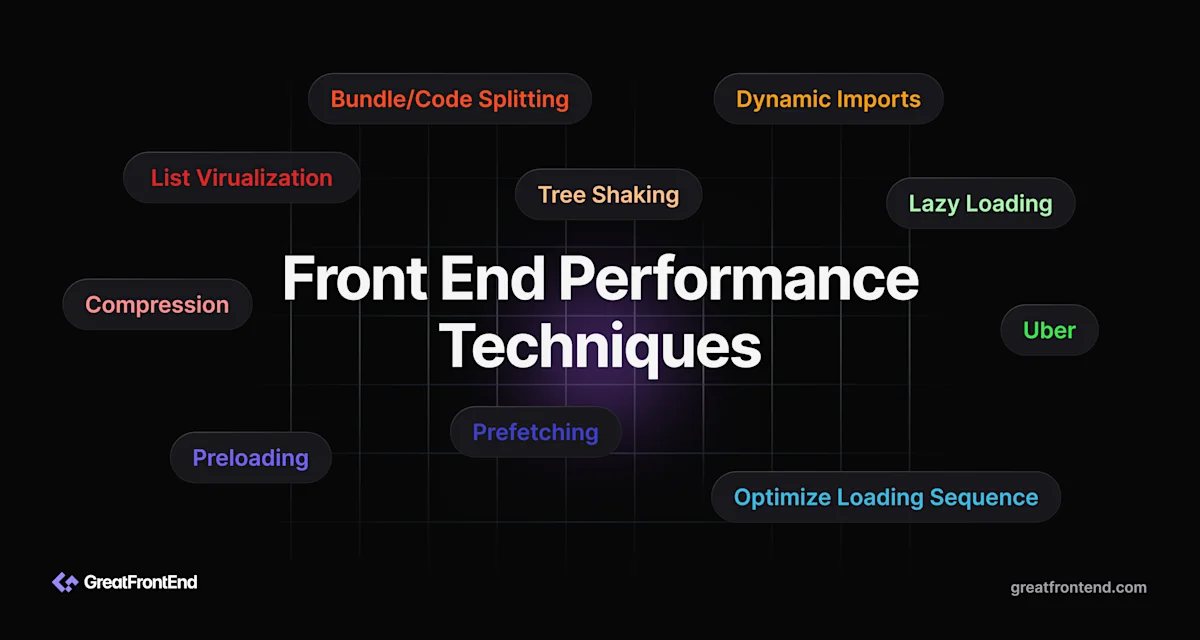
- Code Splitting: Divide your application into smaller bundles which can then be loaded as needed.
- Tree Shaking: Eliminate unused code from your bundles
- Remove Dead Code: Regularly audit and remove unreferenced code
javascript
// Before minification
function calculateTotal(items) {
let total = 0;
for (let item of items) {
total += item.price * item.quantity;
}
return total;
}
// After minification
function calculateTotal(e){let t=0;for(let l of e)t+=l.price*l.quantity;return t}
Leveraging Browser Caching
Browser caching holds static content from your website in the browser so that the content does not have to be requested. Caching the browser content really helps in reducing the loading time for subsequent visits.
Implementation Strategies:
- Set Cache Headers: Configure appropriate Cache-Control headers for different asset types
- Cache Busting Version content (i.e., include a version number in the filename) and/or hash content to ensure that when content is changed or updated the cache is invalidated.
- Service Workers: Implement service workers for advanced offline caching capabilities
- CDN Caching: Use Content Delivery Networks to cache assets geographically
.htaccess example
Content Delivery Networks (CDNs)
CDNs stands for Content Delivery Networks. A CDN puts your content at multiple locations, such as hundreds of edge locations across the globe and using a CDN can be a highly effective way to reduce latency and improve user experience for users almost anywhere in the world.
Benefits:
- Reduced Latency: Serve content from servers closer to users
- Bandwidth Savings: Offload traffic from your origin server
- DDoS Protection: Many CDNs offer security features
- Global Scale: Maintain performance as traffic grows
Popular CDN options include Cloudflare, AWS CloudFront, Fastly, and Akamai.
Critical Rendering Path Optimization
Optimizing the critical rendering path can make a large difference in the value of FCP and LCP.
Optimization Techniques:
- Minimize Critical Resources: Fewer files to load is better.
- Prioritize Above-the-Fold Content: Load critical assets before non-critical ones
- Async/Defer Scripts: Use async and defer attributes to prevent blocking
- Inline Critical CSS: Inline critical styles in the
<head>tag
html
<link rel="preload" href="https://example.com/non-critical.css" as="style" onload="this.onload=null;this.rel='stylesheet'">
<script defer src="https://example.com/analytics.js"></script>
Database and Server Optimization
Backend performance is equally important as frontend optimization.
Key Strategies:
- Query Optimization: Use database indexes and avoid N+1 query problems
- Connection Pooling: Reuse database connections efficiently
- Caching Layers: Implement Redis or Memcached for frequently accessed data
- Compression: Enable gzip or brotli compression for API responses
- Load Balancing: Distribute traffic across multiple servers
javascript
// Example: Redis caching in Node.js
const redis = require('redis');
const client = redis.createClient();
async function getUserData(userId) {
const cached = await client.get(user:${userId});
if (cached) return JSON.parse(cached);
let userData = await db.query('SELECT * FROM users WHERE id = ?', [ userId]);
await client.setex(user:${userId}, 3600, JSON.stringify(userData));
return userData;
}
Monitoring and Measuring Performance
Analytics is one of the biggest factors in website optimisation. You can’t improve what you can’t measure. Take time to learn and understand an analytics tool and what your website’s metrics really mean.
Essential Tools:
- Google Lighthouse: Automated auditing tool built into Chrome DevTools
- WebPageTest: Detailed waterfall charts and performance analysis
- Core Web Vitals: Track LCP, FID, and CLS metrics
Here are some examples of application monitoring: - Real User Monitoring (RUM): Great way to see the experience of users using your application, possible to use some more well known tools such as Google Analytics, or New Relic.
Synthetic Monitoring User Experience monitoring checks your site across the full range of user experiences—simulating thousands of realistic user actions to proactively find potential issues before they occur, and notify IT.
Key Metrics to Track:
- First Contentful Paint (FCP)
- Largest Contentful Paint (LCP)
- Cumulative Layout Shift (CLS)
- First Input Delay (FID)
- Time to Interactive (TTI)
- Total Blocking Time (TBT)
Best Practices Summary
web performanceshould be regularly improved and optimised. It involves dealing with many factors in the whole application stack. Here is a non-exhaustive list of factors to look into.
- Prioritize user experience and measure real-world performance
- Optimize images aggressively as they're often the largest assets
- Implement caching at multiple levels (browser, server, and CDN)
- Code split and lazy load non-critical resources
- Monitor performance continuously and establish performance budgets
- Stay informed about new optimization techniques and technologies
- Test across different devices and network conditions
Conclusion
Web performance optimization is not a choice; it’s a requirement. Successful web performance optimization can deliver a number of tangible benefits that improve end-user experience, the business and therefore the bottom line. Working quickly and efficiently, it’s possible to effect a quick performance gain to websites that results in a number of improvements for users and a tangible gain in revenue. Identifying the specific areas for improvement, determining the order of work and developing an efficient approach to this often complex task ensures the most amount of progress is achieved in the shortest space of time to deliver tangible performance improvements and to improve user and business experience. It’s also important to note that website performance optimisation is a constantly evolving requirement where the site/application should be proactively monitored and continually managed to ensure performance is always at an optimal level.
Alex Morgan
Writer at DevPulse covering Web Development.