Docker Best Practices for Production Deployments
The 12 Factor App: Best Practices to Make Your App Portable with Docker
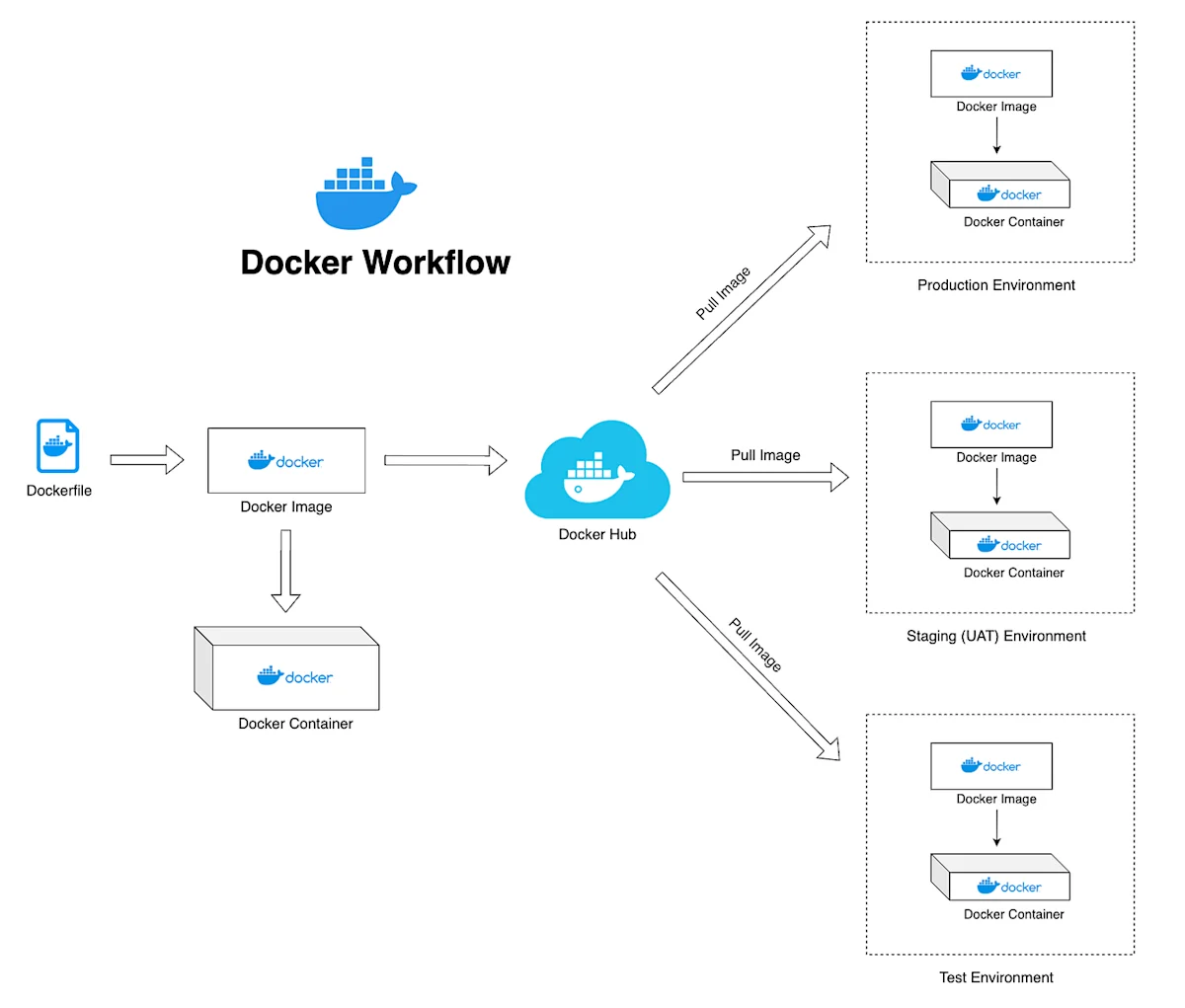
Docker has revolutionized the way apps are deployed, but development builds just aren't production ready. Best practices for running secure, scalable and maintainable Docker applications:
Core Docker Best Practices
Base Images
Select official and minimal base images to mitigate vulnerabilities.
Multi-Stage Builds
Avoid unnecessary dependencies in your output image. These are best practices - Multi-Stage Builds help reduce image size and improve security.
Prioritize Security
- Run as a non-root user
- Scan images for vulnerabilities (Trivy, Snyk, etc)
- Keep dependencies new
Use Cache Layers Efficiently
Sort instructions from least to most frequently changing in your Dockerfile.
Resource Quota
Allocate resources in docker orchestration engines like kubernetes.
Use Health Checks
Aid orchestrators in locating unhealthy containers.
Operational Best Practices
Logging and Monitoring
Either log onto stdout and stderr for easier aggregation. Have Correct Logging and Monitoring to ensure visibility into your application.
Semantic Versioning
Don't ever use "latest" in production; Use meaningful tags. Write Semantic Versioning that clearly identifies your application versions.
Configuration Management
Stick to the Configuration: Load sensitive data from environment variables using orchestration secrets.
Network Configuration
Only expose what you need and add network policies. Network configuration should be intentional and minimal.
Documentation Standards
Document Standards – Remember to include the documentation in the Docker image (while referring to the above). Documentation is crucial for maintainability.
Automation and CI/CD
Add CI/CD
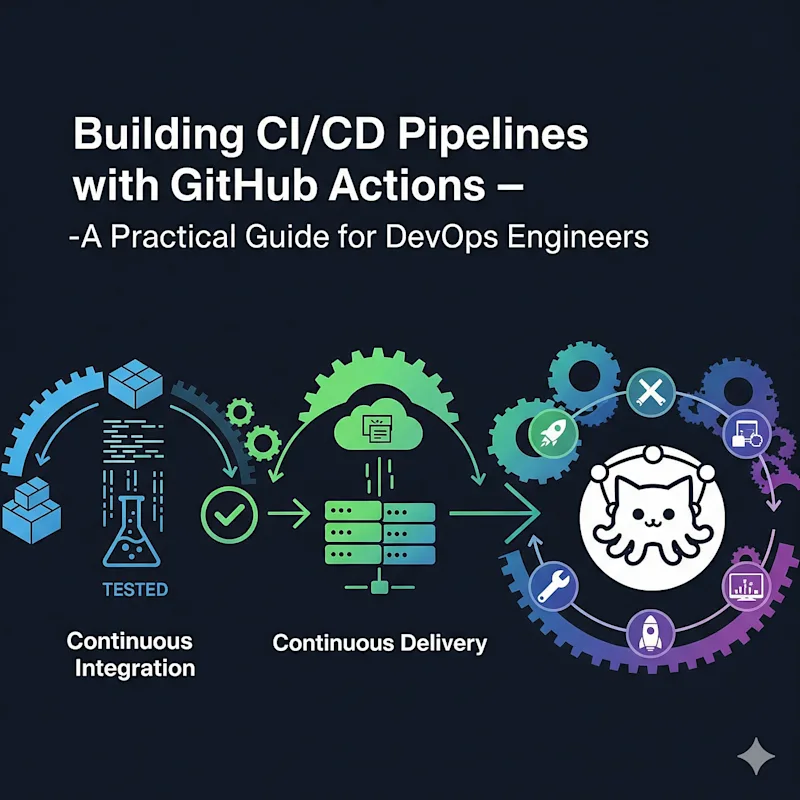
Implement GitHub Actions for workflow automation. Automation ensures consistency and reduces human error in deployment processes.
Key Takeaways
- Use minimalist secure base images.
- Utilize multi-stage builds.
- Automate security scanning.
- Run as a non-root user.
- Improving the layer cache & resource limits.
- Never use "latest"; using tags for versions.
- Create health checks and centralized logging.
- Automate with CI/CD pipelines.
Marcus Rivera
Writer at DevPulse covering DevOps.